
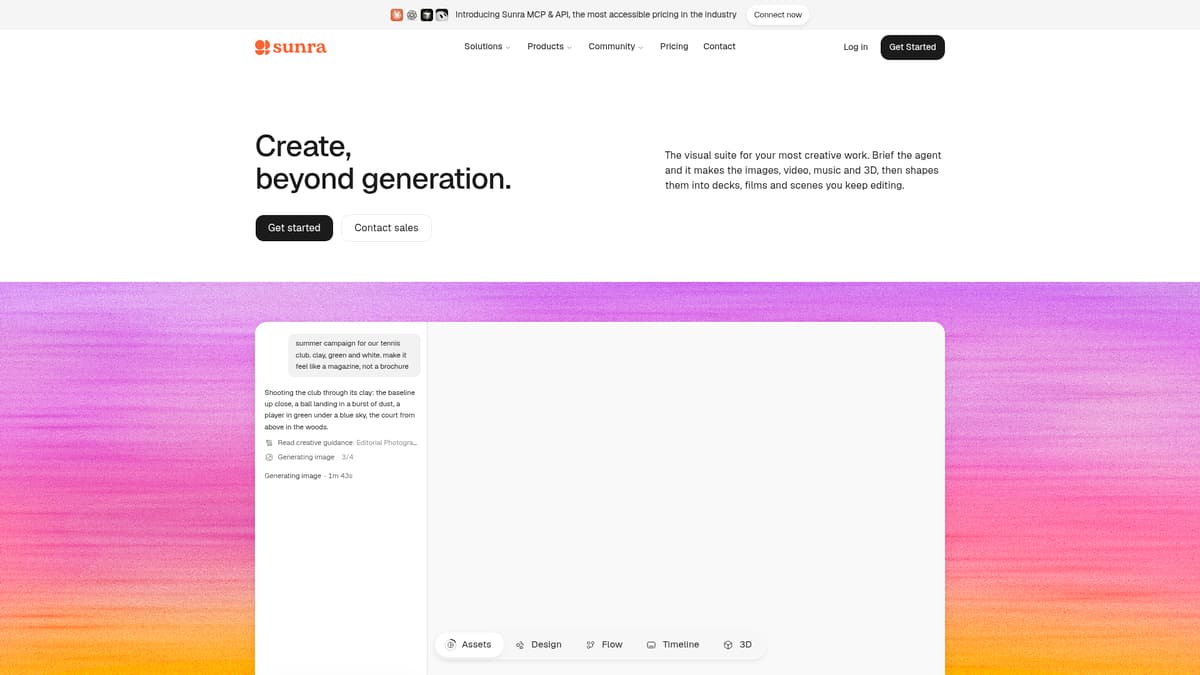
Sunra is an all-in-one AI media workspace designed to help business owners, creators, and marketing teams generate images, video, and audio content without switching between tools. It aggregates over 30 state-of-the-art models—image models like Nano Banana Pro and GPT Image 2, video models such as Seedance 2.0 and Kling 3.0, plus tools for upscaling, background removal, in-image text editing, and more—enabling users to move from idea to finished piece within a single platform. Sunra also includes the AI Agent, which interprets a natural-language prompt and automatically routes it through appropriate models and pipelines to produce images, videos, or both in one pass.
Key Features
Multi-modal generation in one workspace: Sunra supports text-to-image, text-to-video, image-to-video, reference-based video editing, and combined workflows where a single prompt yields both stills and clips.
One interface, multiple models: Users can switch between or compare output from models like Seedance 2.0, Kling 3.0, Sora 2, Veo 3.1, HappyHorse, Nano Banana Pro, and more without leaving the interface.
AI Agent orchestration: The Agent analyzes prompt intent, determines whether image, video, or mixed outcomes are required, selects the best model(s), configures pipelines automatically (text-to-video, video edit, reference image/video input, etc.), handles resolution and aspect ratio, and supports batch tasks (up to about 20 variations) and audio when implied.
Creative tools and editing aids: The Canvas workspace allows side-by-side version comparisons, references, mark-chips to tag regions such as “background” and “car,” built-in effects, upscaling, background removal, and in-canvas editing.
Shared credits pricing and consistent model costs: Instead of per-model subscriptions, users get a bundled credit balance across all models; where model makers publish API prices, Sunra bills at those rates via credits. Credits are consumed per generation, with usage shown ahead of time.
Pricing
Sunra offers several paid tier options, plus a free allowance for first-time users to try out the platform without a credit card:
Basic: about $12 monthly billed monthly, or about $9 monthly billed annually; about 1,200 credits per month; all models, 1,000+ skills library, commercial use, up to 5 concurrent generations.
Pro: about $29 monthly billed monthly, or about $17 monthly billed annually; about 3,500 credits per month, or more in options; same core assets, up to 10 concurrent generations.
Creator: about $125 monthly billed monthly, or about $63 monthly billed annually; about 17,000 credits per month, with higher options available; early access to advanced features, up to 15 concurrent generations.
Enterprise: custom pricing, custom credits; tailored pricing, custom features and integrations, security and compliance, priority support.
All paid plans include commercial usage rights and access to the full model library. Unused credits reset each billing cycle and do not roll over. For large volume or enterprise needs, Sunra provides custom terms and pricing.
Who is it for?
Sunra is suited for businesses and professionals who frequently produce visual and multimedia content and need flexibility across formats. Ideal users include:
Marketing teams and agencies producing product campaigns, social media content, video ads, and branding assets, and needing rapid iteration and multi-format outputs.
Small-to-mid-size businesses and e-commerce brands without in-house video editing specialists, wanting to generate visuals, product clips, and promotional media in house.
Designers, content creators, and storytellers who want to explore different model styles side-by-side, perform reference-based editing, or produce audio and video content without extensive technical setup.
Enterprises and teams needing more control, higher output, advanced editing, integration, compliance, and security, reachable via the Enterprise plan.
Sunra is less ideal for those whose workflows demand uniform output, such as identical resolution, audio quality, or editing tools across every model, or professionals who prefer specialized video-oriented tools for complex editing or animation pipelines.
Final thoughts
Sunra delivers a compelling breadth of creative tools in a single workspace, pairing powerful model variety with a streamlined, prompt-driven workflow. For decision-makers evaluating AI tools for content workflows, its shared credit system, unified interface, and ability to mix formats such as image, video, and audio make it a versatile choice. While model-dependent variation in capabilities and some trade-offs in consistency remain, for content agility and fast experimentation Sunra is among the strongest platforms currently available.
Visit the official website for more.
Keep up to date with our stories on LinkedIn, Twitter, Facebook and Instagram.