
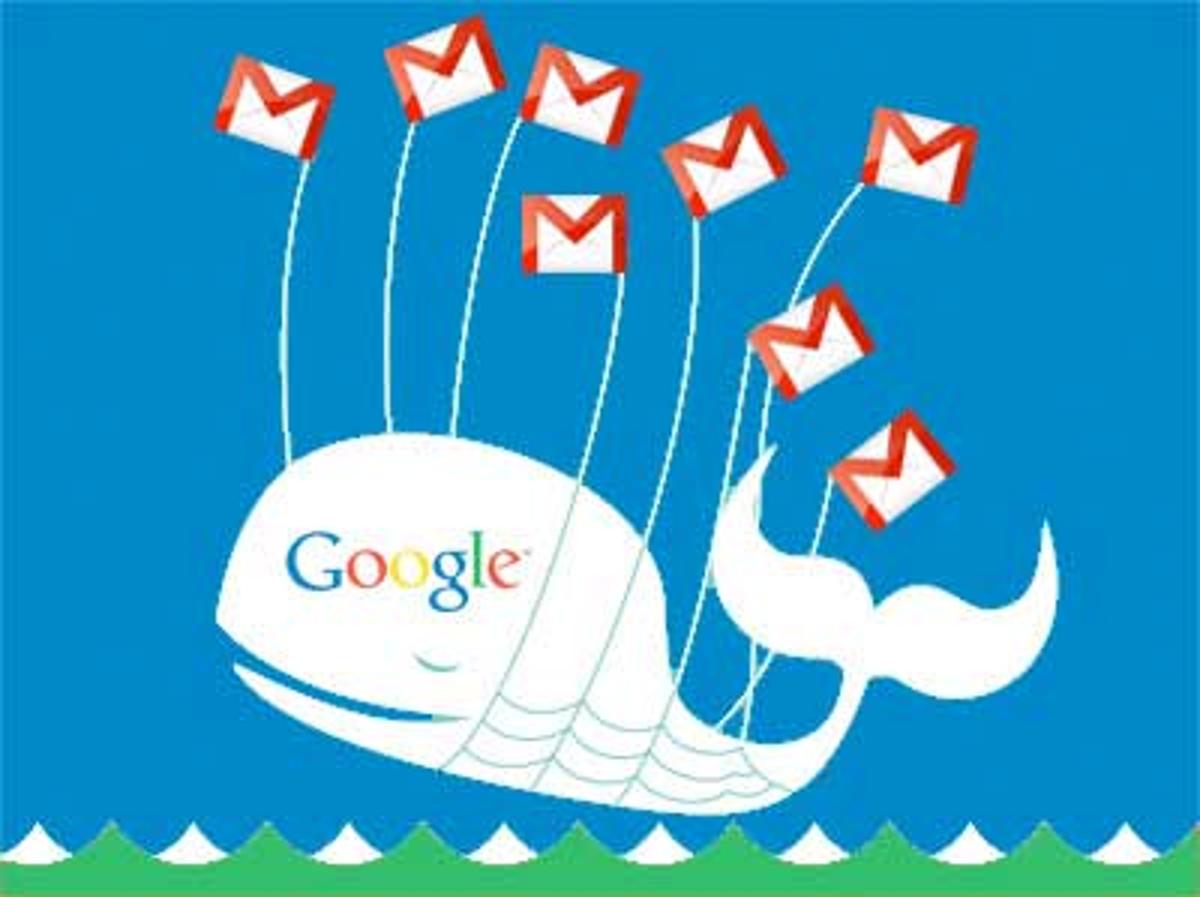
Following a Google glitch that saw thousands of users inconvenienced at the weekend after losing all of their emails, contacts and folders, industry observers recommend backing up your Gmail account. For many start-up businesses and businesspeople on the move, Gmail has become an essential business tool. Losing your contacts and correspondence could have severe impacts on your workflow.
Here’s how to back up your Gmail account:
- sign into your Gmail email account
- on the top right hand corner of the page you will see “Settings”> click
- select “Forwarding and POP/IMAP”
- 1. choose “Enable POP for all mail (even mail that’s already been downloaded)”
- 2. choose “Gmail copy in inbox”
- 3. click “configuration instructions” and then open your Outlook or other email software and follow the instructions
- Go back to Gmail and select “save changes” and you’re done.
Moving forward, you will now get copies of your Gmail in your alternate email account inbox.
For more advice, see the Gmail Help section where further instructions can be found. Alternatively, you can purchase software from third party providers that will back up your Gmail messages.
Google says less than one percent (0.02) of its Gmail users were affected by the data loss and has been busy restoring people’s accounts since Sunday. Some Google Apps customers were also affected, striking a blow for Google as it works to promote these and other business services.
Photo credit: sizlopedia.com