
If your quotes, invoices or newsletters keep ending up in customers’ spam folders, the cause is usually one of four things. Your emails can’t prove who they’re from, your contact list is out of date, you’re sending marketing nobody asked for, or you’re sending in a way that looks fishy. Each one is fixable, often without a tech degree.
1. Your emails have no ID
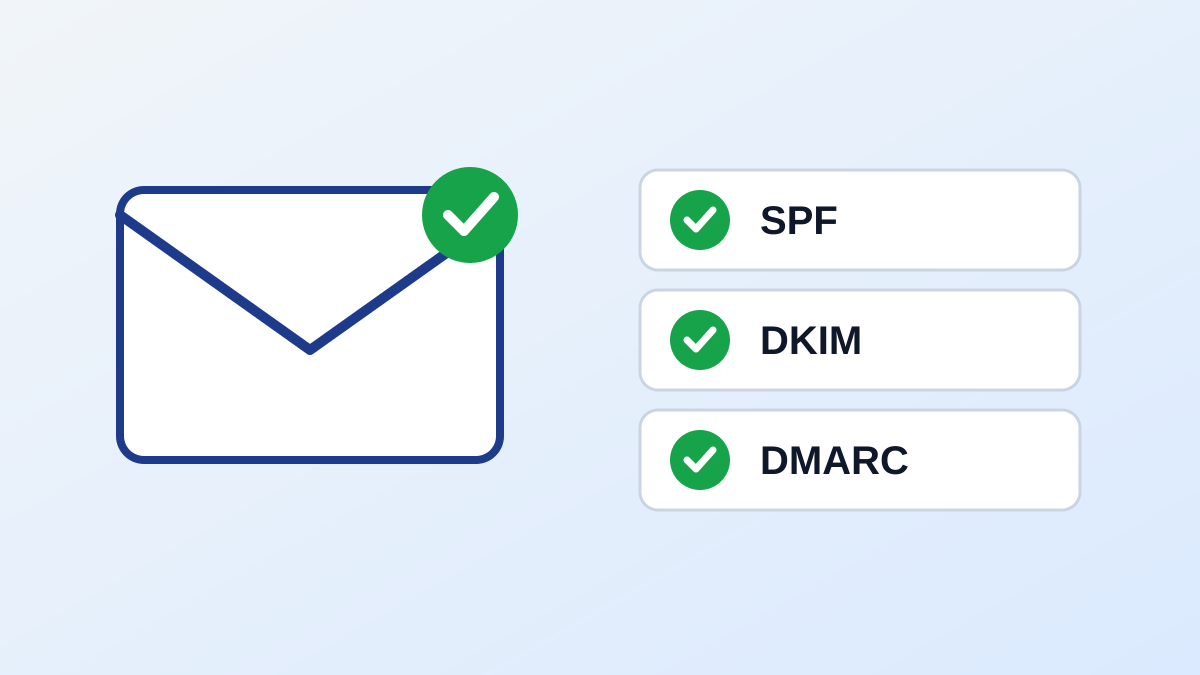
Picture a letter with no return address. That’s how an email looks to Gmail when your domain isn’t set up properly. Three settings do the job:
SPF is the guest list. It says which servers can send email for your business.
DKIM is the tamper-proof seal. It shows the message wasn’t changed along the way.
DMARC is the house rule. It tells inboxes what to do with emails that fail the check.
Google’s sender guidelines say anyone sending to personal Gmail accounts needs to set up SPF or DKIM. Senders who send more than 5,000 messages a day need all three.
The fix:
Ask whoever looks after your email or website to check all three. Then send a test to a free Gmail address, open it, choose “Show original” and look for “PASS” next to SPF, DKIM and DMARC.
2. Your contact list needs a spring clean
Old, mistyped and abandoned addresses bounce. Lots of bounces can make you look careless to inbox providers. Then there are the people who hit “report spam”.
Google tells senders to “keep spam rates reported in Postmaster Tools below 0.3%”, and says to aim for below 0.10%. That’s about one complaint per thousand emails at the target, and three at the limit. It doesn’t take many unhappy people to push you over.
The fix:
Remove addresses that bounce.
Drop contacts who haven’t engaged in a long time.
Never buy a list.
Check addresses when people sign up.
3. You’re sending marketing nobody asked for
In Australia, this one is about the law as well as the spam folder. The Australian Communications and Media Authority (ACMA) puts it plainly: “If you plan to send marketing messages or emails, you must first have consent from the person who will receive them.”
Your marketing emails must also name your business accurately, with correct contact details. And they need a free unsubscribe option that you honor within five working days.
The fix:
Ask people to opt in, and keep a record of when and how they agreed.
Put your business name and contact details in every marketing email.
Make the unsubscribe link easy to find and make sure it works.
Google asks bulk senders for the same thing: marketing messages must support one-click unsubscribe and include “a clearly visible unsubscribe link in the message body”. Make it easy to leave. Someone who can’t find the door may well hit “report spam” instead.
This is general information, not legal advice. For tricky cases, talk to a lawyer.
4. You’re sending like a megaphone
Jumping from a handful of emails a day to a few hundred overnight, shouting in ALL CAPS, packing in links, or blasting a newsletter from your everyday inbox can all trip the filters.
The fix:
Go easy. If you’re sending more than usual, build up gradually.
Use a proper email platform for newsletters, not a long BCC list from your daily inbox.
Keep subject lines honest and links to a minimum.
Keep newsletters off the address you use for invoices and quotes, so a marketing hiccup doesn’t hold up the emails that matter.
Your 10-minute check
A test email to Gmail shows PASS for SPF, DKIM and DMARC.
Your list is clear of bounces and old contacts.
You can show consent for everyone you market to.
Every marketing email has your business details and a working unsubscribe link.
Newsletters go out from a proper platform at a steady pace.
Tick those five boxes and you’ve dealt with the most common reasons business emails end up in the spam folder.
About the author: Moazzam Boota is CEO at LiteMail.ai, Scale Your Cold Email Outreach with Pre-Warmed Email Inboxes
Sources (for the editor’s fact-check):
Google, Email sender guidelines: https://support.google.com/a/answer/81126
ACMA, Avoid sending spam: https://www.acma.gov.au/avoid-sending-spam