
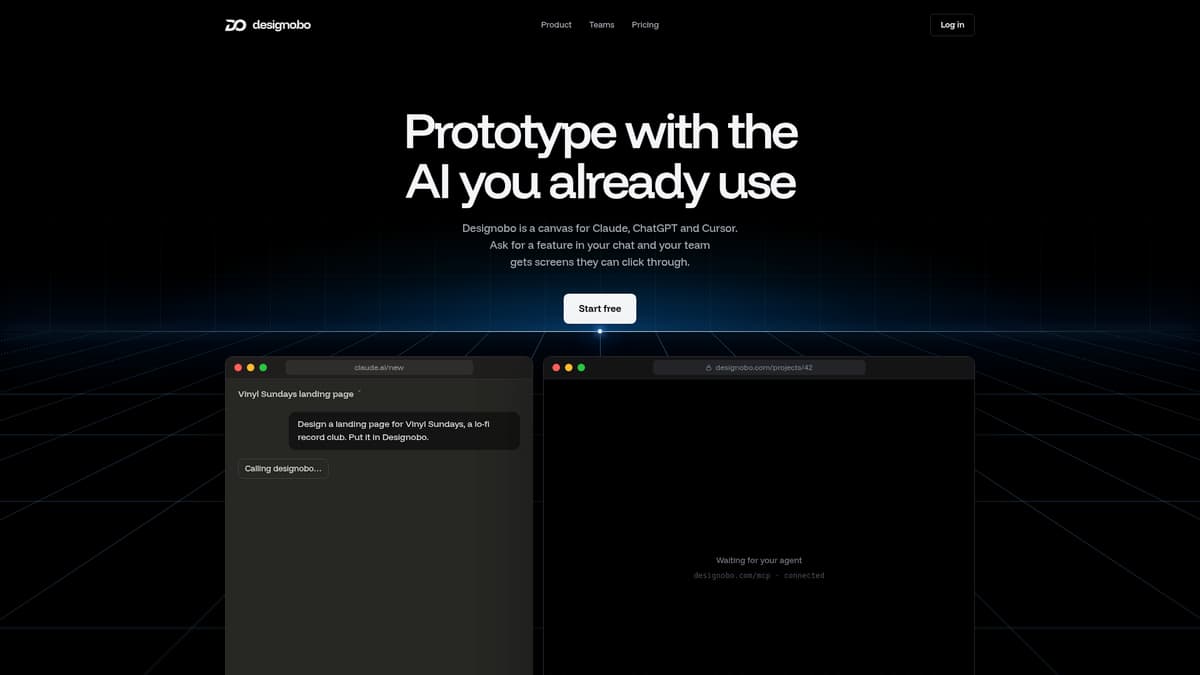
Designobo helps businesses rapidly transform ideas into clickable, multi-screen user interface (UI) prototypes without manual coding. Designed for teams that need to iterate quickly—founders, product managers, designers, and developers—Designobo uses AI agents to generate UI flows from text briefs, sketches, or screenshots. This allows stakeholders to visualize user journeys, experiment with different design directions, and refine interfaces through chat, annotation, or drawing tools—before any front-end or backend development begins.
Key Features
Multi-screen prototyping and infinite canvas: Designobo generates all screens in a flow at once, arranging them side by side on an infinite canvas so you can see the full user journey and compare design directions.
AI model flexibility: It supports multiple models, including Luna, Mercury 2.5, and newer agents; users can also integrate their own MCP-compatible agents like Claude Code, Codex, or Cursor.
Interactive refinement tools: Refine designs through direct editing of layout, style, and text; pin comments to elements; draw over screens; or use chat-based feedback with the design agent.
Sharing and export capabilities: Share prototypes via public links—viewers don’t need accounts to click through screens. Exports are HTML-based screens, useful for presenting, testing, or proceeding toward implementation.
Collaboration support: Projects support comments, drawings, and shared access. Team roles, feedback loops, and visibility of dialogues and annotations make cross-functional work manageable.
Pricing
Designobo offers three subscription tiers, publicly listed and current:
Plan | Monthly Fee | Credits Included Monthly | Key Limits
Free | $0 | One-time allotment of 130 credits | Up to 3 projects, 10 screens; limited features; no card required
Standard | $17/month | 1,700 credits/month | Unlimited projects/screens; full model access; includes canvas, comments, drawings, unlimited MCP tool calls
Pro | $37/month | 4,000 credits/month | All Standard package features with higher usage capacity; unlimited usage of MCP tool calls
Credit top-ups are also available for active subscribers: 1,200 credits for approximately $12, 3,750 credits for $30, and 11,500 credits for $70. All plans include tax.
Who is it for?
Designobo is well suited to organizations needing rapid UI mock-ups without investing in code writing early on. Common users include:
Founders and startup teams who want to validate product concepts or pitch designs with something clickable before developer costs accumulate.
Product managers and non-design specialists seeking fast visual demos to share feature ideas internally or with clients—useful in planning meetings or requirement gathering.
UX and UI designers exploring multiple design directions or refining user flows; Designobo accelerates ideation and iteration by reducing time spent on routine layout work.
Developers or frontend teams interested in reviewing UI direction before committing to implementation; though prototypes are HTML-based only (no backend or full application logic generated).
It’s less appropriate when you need production-ready front- and back-end code, integrated systems (e.g. authentication, payments), or deeply custom native apps—those still require specialized development work beyond Designobo’s prototype focus.
Final thoughts
Designobo fills a practical niche for teams that want quick, interactive UI design work without code, allowing ideas to be seen, shared, and refined early in product development. Its mix of AI model flexibility, interactive refinement tools, and clear sharing/export options make it appealing for concept validation, iteration, and internal communication. For heavier technical builds or full product launches, you’ll still need additional tools, but for early stage UI prototypes, Designobo offers strong value—particularly under its Standard or Pro plans.
Visit the official website for more.
Keep up to date with our stories on LinkedIn, Twitter, Facebook and Instagram.