
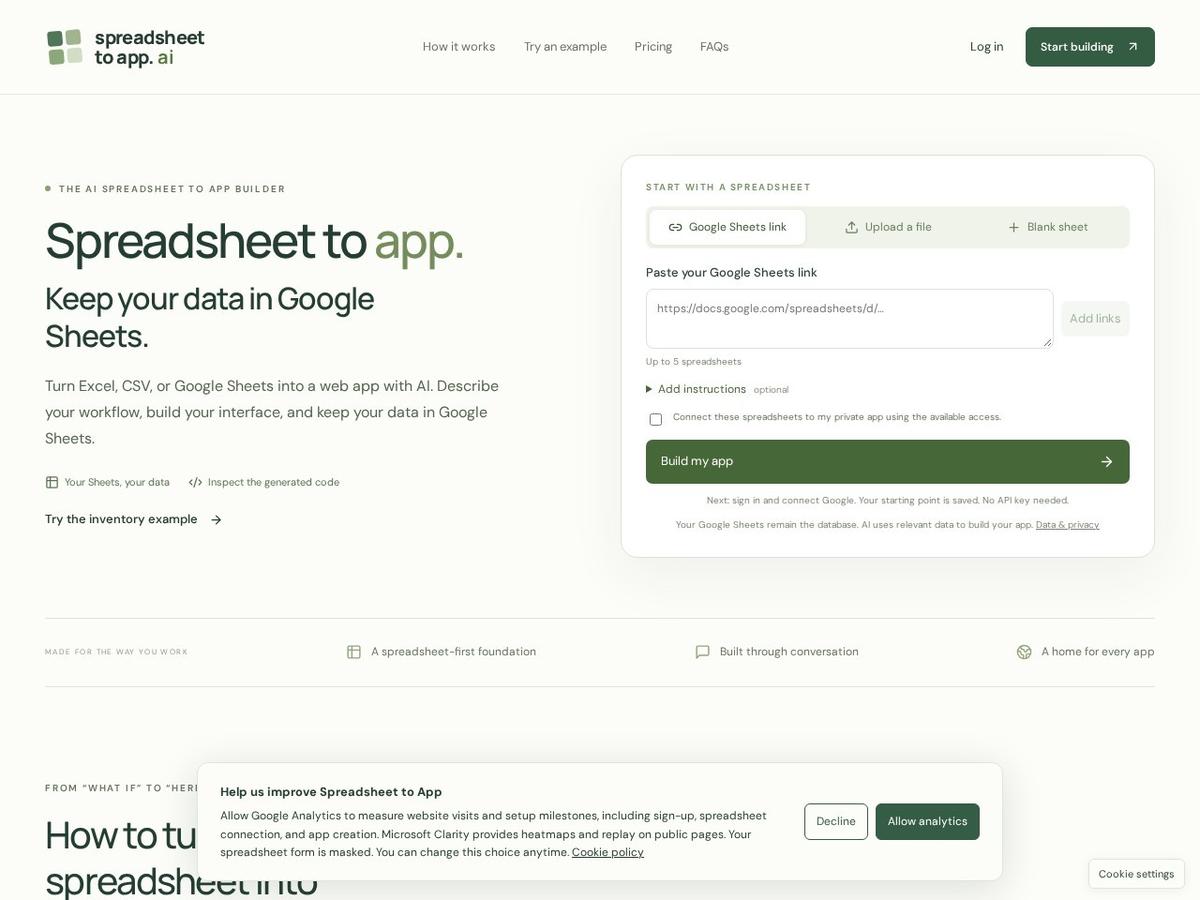
Spreadsheet to App is an AI-powered builder that transforms Excel files, CSVs, or Google Sheets into hosted web applications. Instead of sharing spreadsheets with multiple users, risking version mismatch, errors, or uncontrolled access, this tool allows businesses to convert data-heavy files into structured apps. Users define workflows in natural language; the system writes code, maintains the spreadsheet as the backend database, and generates interfaces for viewing, editing, and reporting. It addresses the gap between spreadsheets being used for ad-hoc tracking and the need for a multi-user app around those same records.
Key Features
Direct import and integration: Upload an Excel or CSV file or connect a Google Sheet, which becomes the live database for the app. The app reflects the backend table structure and keeps source data in sync.
App generation via plain language: Describe workflows, dashboards, forms, and permissions in everyday wording; the AI agent interprets that into UI components and logic.
Forms & dashboards: Create forms for data entry, dashboards or filtered views for performance tracking or reporting, and assign views based on roles.
Multi-seat collaboration: Workspaces include multiple users, with controls for who can edit versus view. The tool supports defined roles and seats per plan.
Automation & updates: Apps stay current with changes in the source sheet. Data filters, views, and workflows trigger updates based on user actions or defined schedules.
Pricing
The tool operates on a freemium model. The Free plan costs $0 per workspace and includes just one app and one user seat, with a limited monthly AI usage allowance. No credit card is required to start.
Paid tiers are:
Basic — $25 per month per workspace. This includes support for up to five apps and two seats, with a standard weekly AI allowance. Extra seats cost $5 each per month.
Pro — $75 per month per workspace. Features include up to 20 apps, three seats, and approximately five times the Basic plan’s weekly AI allowance. Extra seats follow the same fee.
Business — $125 per month per workspace, which offers the same number of apps and seats as Pro but removes the AI allowance cap, allowing users to use AI without hard limits.
All paid plans are billed monthly. Usage allowances for AI resets vary: the Free plan resets monthly; Basic and Pro reset weekly. Unused allowance does not roll over.
Who is it for?
Spreadsheet to App is well suited for business owners, operations managers, analysts, or teams who already rely heavily on spreadsheets and seek structured collaboration. Use cases include:
Small to medium businesses where teams track inventory, clients, projects, or approvals via spreadsheets but require more robust interfaces and role-based views.
Departments looking to replace manual copy-paste processes or shared spreadsheet silos with a centralized app for intake, reporting, or tracking.
Professionals evaluating whether to invest in custom software; Spreadsheet to App allows testing workflow models using existing data before committing to development resources.
Remote or cross-functional teams that need controlled access: different users see tailored dashboards and data entry forms rather than full spreadsheet grids.
Final thoughts
Spreadsheet to App offers a compelling bridge between spreadsheets and lightweight web applications. Its strength lies in converting familiar data sources into structured apps with role-based access, dashboards, and AI-generated workflows without significant technical overhead. For organizations grappling with errors or inefficiencies born from collaborative spreadsheet use, it provides a low-risk way to transition toward more organized, scalable processes. Users whose needs exceed the bounds of its paid tiers or require deeply custom backends may still outgrow it, but for many decision-makers, it represents a valuable tool to streamline work already embedded in spreadsheets.
Visit the official website for more.
Keep up to date with our stories on LinkedIn, Twitter, Facebook and Instagram.