
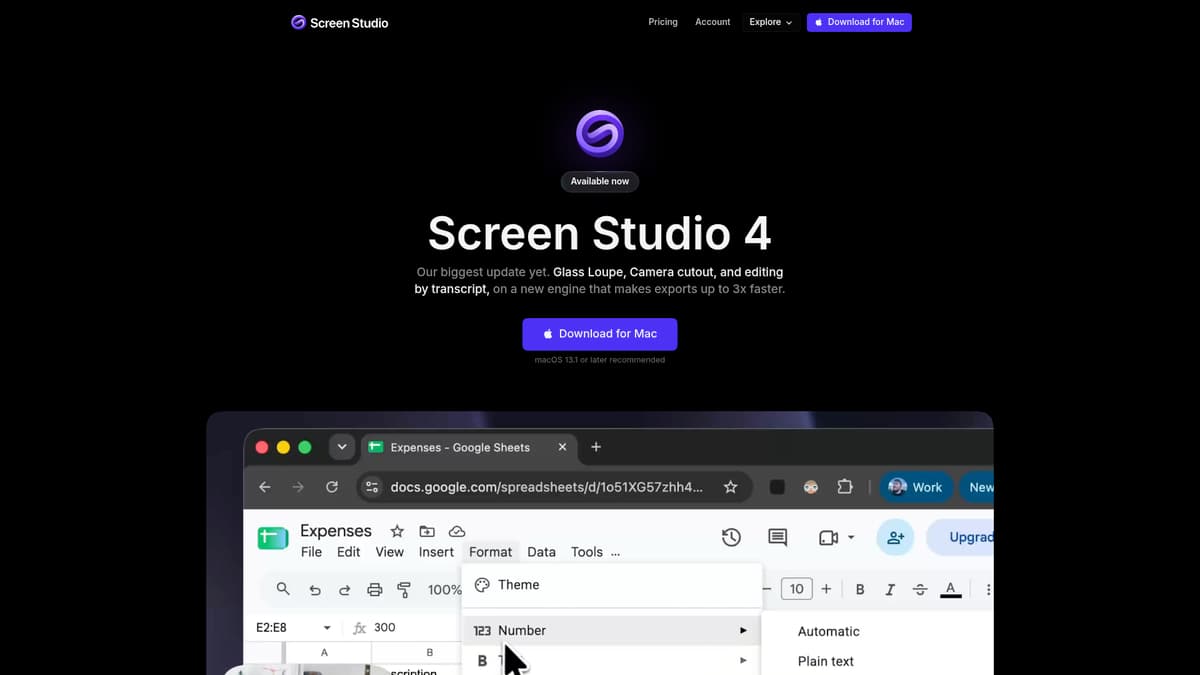
Screen Studio 4 is a macOS screen-recording tool designed to streamline the creation of polished, professional screen content. It addresses the common challenges business users face: uneven zooms, noisy audio, background distractions, and laborious edits. Built as a major update to bring improved automation and visual fidelity, it helps creators from product marketers to educators develop content that looks and sounds refined without requiring a full video production workflow.
Key Features
Glass Loupe & Sharper Zooms: A new magnification tool lets you enlarge specific screen details without moving the full view. Zoomed-in text remains clear and legible thanks to an AI upscaler trained on thousands of macOS screenshots.
Camera Layouts & Cutout: Users can choose from split-screen layouts, overlay styles, or full camera cutout, removing the background without physical green screens. Face tracking keeps the speaker framed even while moving.
Edit by Transcript: After recording, you can edit video by manipulating its text transcript, removing filler words, long pauses, or entire sentences simply by deleting them in the text.
Audio Enhancements & Noise Reduction: Built-in models reduce background noise and room echo, and a podcast-beta mode enriches voice recordings to mimic studio sound.
Captions & Visual Polishing: Stylable captions, automatic transcription, keypress or mouse-click visualizations, sensitive data masking, Unsplash backgrounds, and presets for color grading give multiple ways to refine presentation.
Performance & Efficiency Upgrades: The new rendering engine, leveraging WebGPU, delivers up to three times faster export speeds on Macs with Apple Silicon, previews that reflect final output, and recordings that consume up to half the space. Projects from version 3 are forward-compatible, though backward compatibility is not guaranteed.
Pricing
Screen Studio 4 is available only via subscription. Two identical plans offer full access to every feature, including 4K export at 60 frames per second, shareable project links, cloud-based transcription, and project-sharing capabilities. The monthly plan costs $29 per month; the yearly plan is $108 paid upfront, effectively $9 per month, representing a 69% savings over the monthly rate. An educational discount of 40% is available for qualifying students and educators. There is no free tier or one-time purchase option for new users.
Who is it for?
Screen Studio 4 is best suited to individuals or small teams creating regular screen-based content, such as product demos, training videos, webinar excerpts, customer support guides, or internal documentation. Professionals who value polished visuals and efficient post-production will benefit most. Key roles include:
Product Managers and UX Designers producing walkthroughs or tutorials.
Marketing and Sales Teams needing high-quality demo content.
Corporate Trainers, Educators, or E-learning Developers preparing instructional videos.
Customer Support creating clearly annotated help resources or onboarding content.
It is less optimized for occasional use cases; if your video creation needs are rare or minimal, the subscription cost may be harder to justify. Also, because the tool runs exclusively on macOS, with Apple Silicon and macOS Ventura or later recommended, teams heavily using Windows or cross-platform collaboration may find its compatibility limited.
Final thoughts
Screen Studio 4 represents a substantial leap forward over its predecessor. It blends AI-powered editing, sharper visual output, and automation that reduces manual work. For professionals who make screen content a regular part of their work, the upgrade delivers clear value. However, its subscription-only model, macOS exclusivity, and relatively steep price for light users mean it may not be the best choice for infrequent use or mixed-OS teams. Careful comparison with alternatives is advised, especially if export frame rates or one-time licensing are priorities.
Visit the official website for more.
Keep up to date with our stories on LinkedIn, Twitter, Facebook and Instagram.