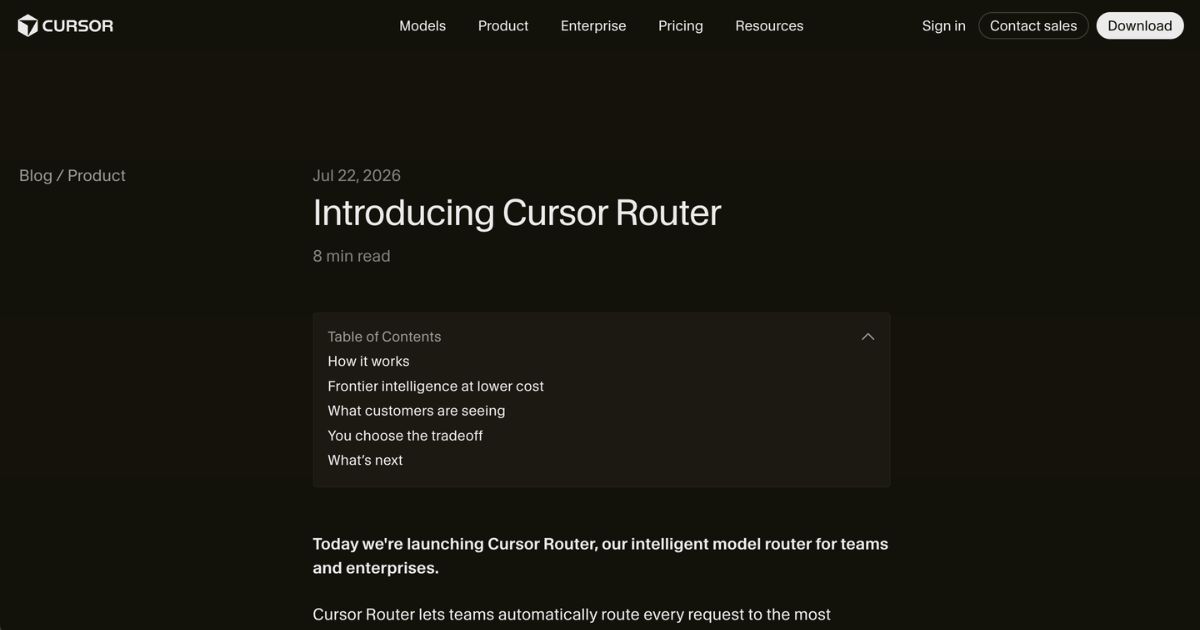
Cursor Router is an intelligent routing system launched on July 22, 2026 that automatically directs each user request to the AI model best suited for that task. Designed for business teams and enterprises, it aims to provide high-end performance—what Cursor calls “frontier intelligence”—while optimizing for cost efficiency. Cursor Router integrates into Cursor’s Auto mode and operates across desktop, web, iOS, CLI, and the SDK. It is available only on the Teams and Enterprise subscription tiers, with Teams having the router enabled by default and Enterprise requiring administrative activation.
Key Features
- Request Classification & Model MatchingEvery request is analyzed based on factors like task complexity, domain, context, and query type. Simple or routine tasks are routed to more cost-efficient models; complex, long-horizon problems go to more capable “frontier” models. This classification is handled by a classifier trained on over 600,000 live requests, with quality validated through online A/B testing across millions of live requests.
- Optimization Modes: Intelligence, Balance, CostUsers selecting Auto mode must choose one of three profiles:
- Intelligence: Delivers performance near the top-tier models, often the most expensive but highest capability.
- Balance: Delivers strong performance at a lower cost—aiming for high satisfaction without frontier-level resource use.
- Cost: Prioritizes token spend efficiency while maintaining acceptable quality.
- Cost and Efficiency GainsEarly access customers with thousands of users saw savings of 30–50% on routed requests compared to using Opus 4.8 for all traffic. In Cursor’s internal testing, Auto Intelligence achieved “frontier-quality performance” at approximately 60% lower cost relative to standard high-end models. Cost per “commit” (shipped work) for Balance and Intelligence modes was significantly lower versus competitors.
- Administrative Controls & GovernanceAdmins can enable or disable the router by team or group, restrict which modes members can use, set default modes, block specific models, or enforce the use of Auto mode. Visibility into which underlying model handled each request is hidden by default but can be revealed.
- Cache-Aware OperationThe routing classifier is trained on data that simulate cache misses, and real-world measurements include the cost of those misses. Models behind the scenes are selected with awareness of cache behavior to reduce wasted cost.
Who is it for?
Cursor Router is tailored for organizations—software development teams, enterprises, and engineering departments—that use Cursor for a high volume of coding work and AI-assisted development. It benefits decision-makers who must balance output quality, engineer satisfaction, and budget constraints. For solo individual users or small teams who already select models manually or do not need large-scale model routing, many features and savings may not be applicable, as Cursor Router is not currently offered on individual plans.
Pricing (as clearly stated on the website)
- Individual Plans: Hobby (free), Pro ($20/month), Pro+ ($60/month), and Ultra ($200/month). Individual plans do not include Cursor Router functionality.
- Teams Plans: Standard and Premium tiers (starting around $40/month per user) include Cursor Router. On Teams, Auto mode is routed by Cursor Router, and only the Cost optimization mode retains bundled Auto pricing. Balance and Intelligence modes are billed based on the rate of the actual models selected per request.
- Enterprise: Custom pricing with advanced administrative controls, pooled usage, and additional compliance options. Enterprise customers can enable the router via dashboard controls.
Exact costs vary with usage level, token consumption, and model routes. Cursor publishes token-rate charts for Auto Cost mode and provides live model-based billing for Balance and Intelligence modes.
Final Thoughts
Cursor Router introduces a data-driven model-routing solution that has clear potential for significant cost savings without compromising output quality. Its strength lies in automating model selection per task, offering modes to favor savings or performance, and bundling robust admin governance. However, it is only available for teams and enterprises; individual users must continue with manual model selection. Cost-mode may offer predictability, but Balance and Intelligence introduce more variability tied to which model is invoked. Decision-makers evaluating Cursor Router should weigh their team’s diversity of tasks, required output quality, tolerance for billing variability, and administrative needs before adoption.
Visit the official website for more.
Keep up to date with our stories on LinkedIn, Twitter, Facebook and Instagram.