
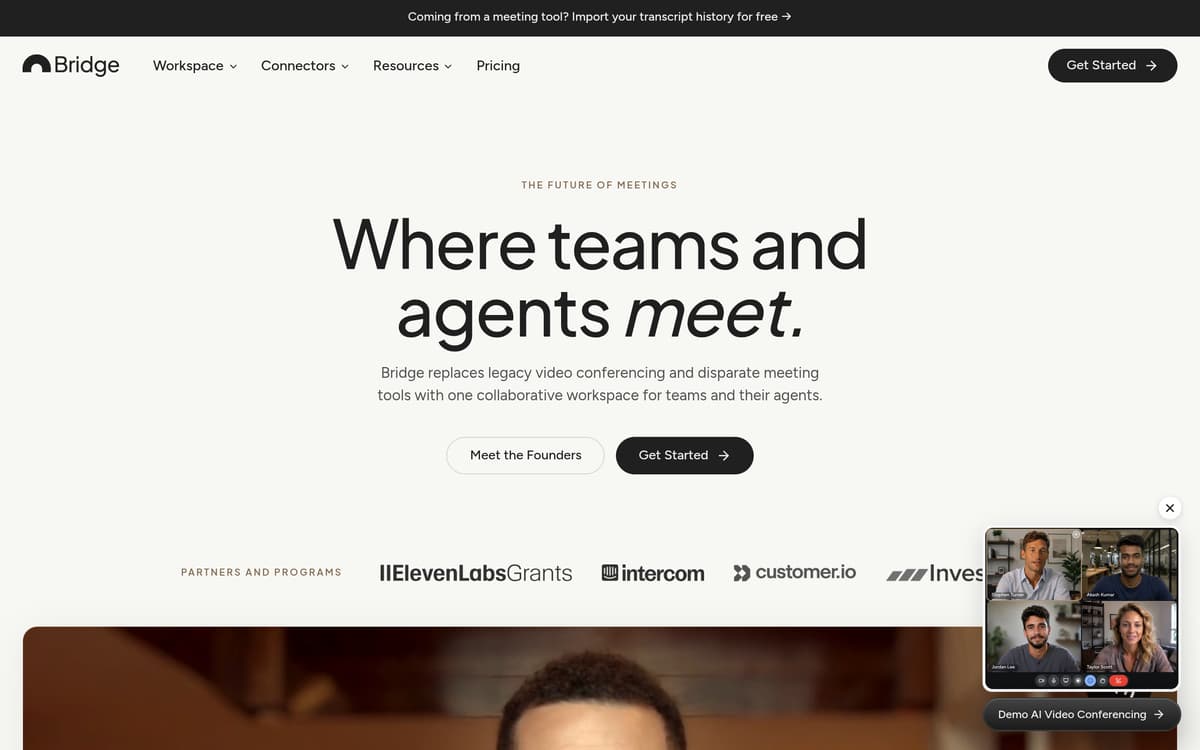
Bridge is an AI-powered meetings platform designed to centralize conversations, streamline live interactions, and turn meeting content into actionable intelligence. It helps organizations handle disparate video calls, note-taking tools, and fragmented documentation by offering features like real-time transcription, meeting preparation briefs, AI agents, and integrations. The aim is to make meetings—not merely occasions for discussion—but sources of structure, follow-up, and memory for teams.
Key Features
AI Meetings & Capture: Bridge enables hosting of AI-native meetings with built-in intelligence. It also supports capturing meetings held on third-party platforms such as Zoom, Google Meet, and Microsoft Teams, plus in-person meetings via phone or desktop. Meetings are transcribed with speaker attribution and stored as shareable notes and media.
Live AI: During meetings, users get real-time transcription, adaptive artifacts, proactive agents, and optional voice-based agents that can join calls, speak, hear, and see shared screens. Live AI credits limit usage depending on the plan.
Custom Agents: Users can create AI agents with defined identities, instructions, visibility, and triggers. Agents can monitor meetings, act when named, or act proactively based on context. Agents can access external tools and web search if enabled.
Intelligence around Meetings: Bridge adds value at every stage—before meetings with preparation briefs and participant context, during meetings with live intelligence, and afterwards with recaps, structured notes, and action items. Meetings and content can be tagged, labeled, searched, and organized in shared workspaces.
Integrations & Connectors: The platform connects to calendars, CRMs, email, Slack, Notion, and productivity suites, and supports a Model Context Protocol (Bridge MCP) for bringing meeting context into external AI agents like Claude and ChatGPT.
Security & Memory: Bridge maintains structured memory across people, companies, and conversations. Data is encrypted, with privacy compliance for GDPR and CCPA, plus enterprise-grade security and controls.
Pricing
Bridge offers four plans: Starter (Free), Professional ($20 per user per month), Business ($30 per user per month), and Enterprise (custom pricing).
Starter (Free): Host AI meetings with up to 5 participants for 60 minutes per meeting; capture meetings from other platforms; unlimited notes, workspace members, and basic calendar integrations.
Professional ($20/user/month): Increases meeting size to 25 participants and duration to 8 hours; adds unlimited meeting history; custom agents; automatic meeting preparation; expanded live AI; global assistant chats; collaborative spaces; and more integrations.
Business ($30/user/month): Hosts up to 200 participants; meetings can last up to 24 hours; includes advanced hosting settings; workspace groups and group memory; higher live AI limits; and admin controls.
Enterprise: Supports up to 1,000 participants with no time limits; adds features like SAML Single Sign-On, dedicated account manager, onboarding, domain management, whitelabeling, SLA guarantees, and custom integrations.
A 14-day free trial of Professional is available without a credit card; after that, users may remain on the free Starter plan or upgrade. Paid plans use a per-seat pricing model, include live AI credits that reset monthly, and allow teams to purchase more if needed under configurable caps.
Who is it for?
Bridge is suited for businesses aiming to improve meeting outcomes, reduce friction from multiple platforms, or build consistency across frequent meetings. It serves well:
Small and mid-size teams that use many meetings internally or with clients, such as sales, customer success, and operations, and need concise follow-up, shared visibility, and centralized history.
Product teams or project managers requiring accurate records, actionable insights, and collaboration across departments.
Enterprises seeking compliance, security, and admin controls around meetings, including whitelabel and SSO support.
Anyone relying on external tools, such as CRMs, calendar apps, email, and document tools, and wanting meeting context integrated into those systems or into in-house agents.
Those with hybrid or in-person workflows who need to capture conversations from more than just video calls, for example capturing in-person or impromptu discussions.
Final thoughts
Bridge offers a robust, unified platform for meeting intelligence that bridges the gap between video conferencing, record-keeping, and AI-driven assistance. It stands out for its real-time capabilities, customizable agents, and wide variety of integrations. While the free Starter plan provides strong entry-level value, the more advanced features, such as larger meetings, full history, memory, and AI agents, are locked behind the Professional and Business tiers. For decision-makers evaluating meeting workflow tools, Bridge is a compelling option for organizations where meetings are frequent and knowledge continuity matters.
Visit the official website for more.
Keep up to date with our stories on LinkedIn, Twitter, Facebook and Instagram.