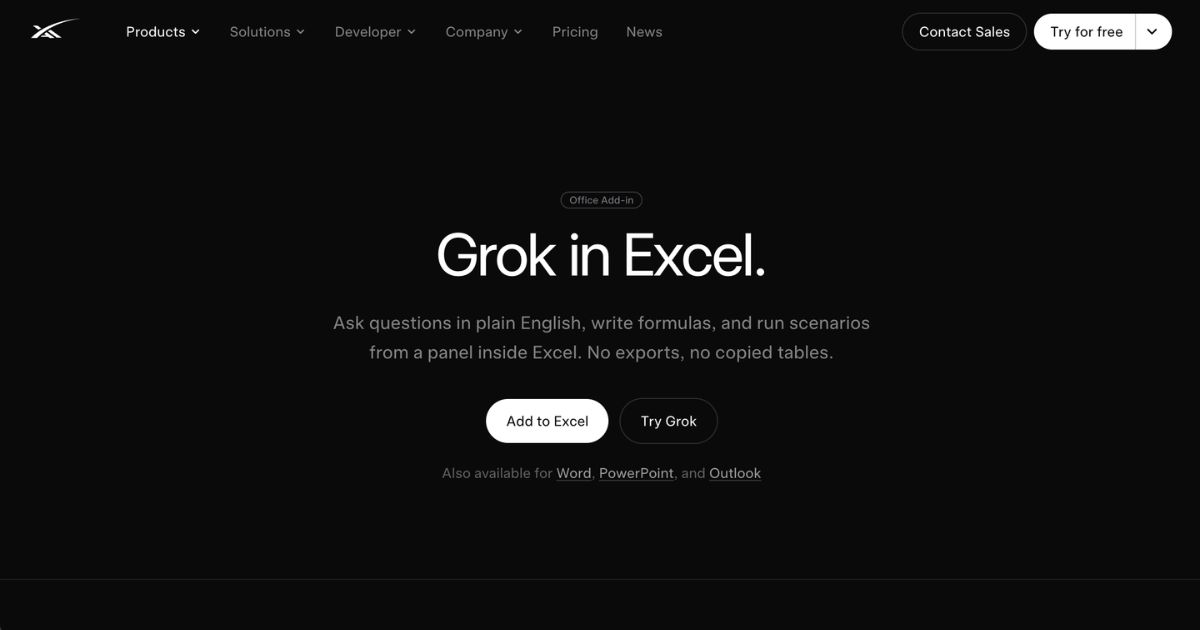
Grok for Excel is an add-in developed by SpaceXAI that integrates AI assistance directly into Microsoft Excel. It provides a side-panel interface within Excel workbooks, allowing users to interact with data in plain English, generate formulas, run scenarios, and create visualizations—all without leaving the spreadsheet environment. The tool is part of a broader set of Grok Office and Workspace add-ins intended to streamline common business workflows.
Key Features
- Natural language queries on selected ranges: users can select a table, range, or cells and ask what changed, which items stand out, or why certain values moved; Grok cites specific cells in its explanations.
- Formula generation and editing: describe a desired outcome in English; Grok writes the actual Excel formulas and supports refining math, table structure, and charts.
- Scenario planning and forecasting: test “downside” cases, rerun forecasts or month-end scenarios via single prompts; modified cells are flagged, and data remains within the workbook.
- Visualization tools: generate charts, summaries, and pivot tables directly within the sheet from prompts.
- Integration with connectors: supports pulling context from tools like OneDrive, SharePoint, or Google Drive depending on plan; also performs web searches from within the sidebar.
- Add-in architecture: lives as a docked panel beside the workbook, invoked from Excel’s Home tab; installs free from the Microsoft Marketplace but full usage requires a qualifying Grok subscription.
Who is it for?
Grok for Excel is most useful to business owners, financial analysts, operations professionals, and small to medium-sized teams who regularly work with data in Excel and want to automate or simplify spreadsheet tasks. It suits users who need to explore data trends, run “what-if” forecasts, build financial models quickly, or let non-technical staff generate clean formulas and dashboards. Decision-makers in organizations with access to Office 365 add-ins and who value AI-assisted data interpretation, but who also insist on auditability and maintaining control over spreadsheet content, will find it especially relevant. It is also well suited for teams with data privacy needs who use enterprise tools because Grok for Excel is eligible only on paid subscription plans with elevated access.
Pricing
Grok offers multiple subscription tiers with different limits, featuring a Free plan, several paid plans (SuperGrok, SuperGrok Plus, Heavy, Business) and Enterprise offerings. The Excel add-in is available only to users on certain paid plans—namely SuperGrok, Heavy, Business and Enterprise. The Free plan allows basic Grok use but does not support the full capabilities of the Excel add-in. For business teams, there is a “Business” plan priced at approximately thirty dollars per user per month. Enterprise pricing is customized. Paid plans include higher usage limits, more model performance, image/video generation, connectors, enhanced security, and priority support.
Final Thoughts
Grok for Excel fills a growing need in business environments to reduce friction in spreadsheet workflows—bridging the gap between data manipulation and AI-assisted insight. Its ability to write genuine formulas (visible in the formula bar), generate charts and pivot tables, and run scenario analysis sets it apart from simpler AI summarization tools. However, businesses should recognize that it is not entirely self-sufficient: evaluating output accuracy, especially for critical financial or forecasting models, remains essential. Limitations exist in handling large multi-sheet workbooks, macros or Power Query tasks, and vague prompts may produce misleading output. Because full access depends on paid plans, cost-benefit assessment must consider actual usage volume. Overall, Grok for Excel offers promising productivity gains, particularly for professionals who frequently work within Excel and want AI assistance that remains visible, editable, and under their control.
Visit the official website for more.
Keep up to date with our stories on LinkedIn, Twitter, Facebook and Instagram.