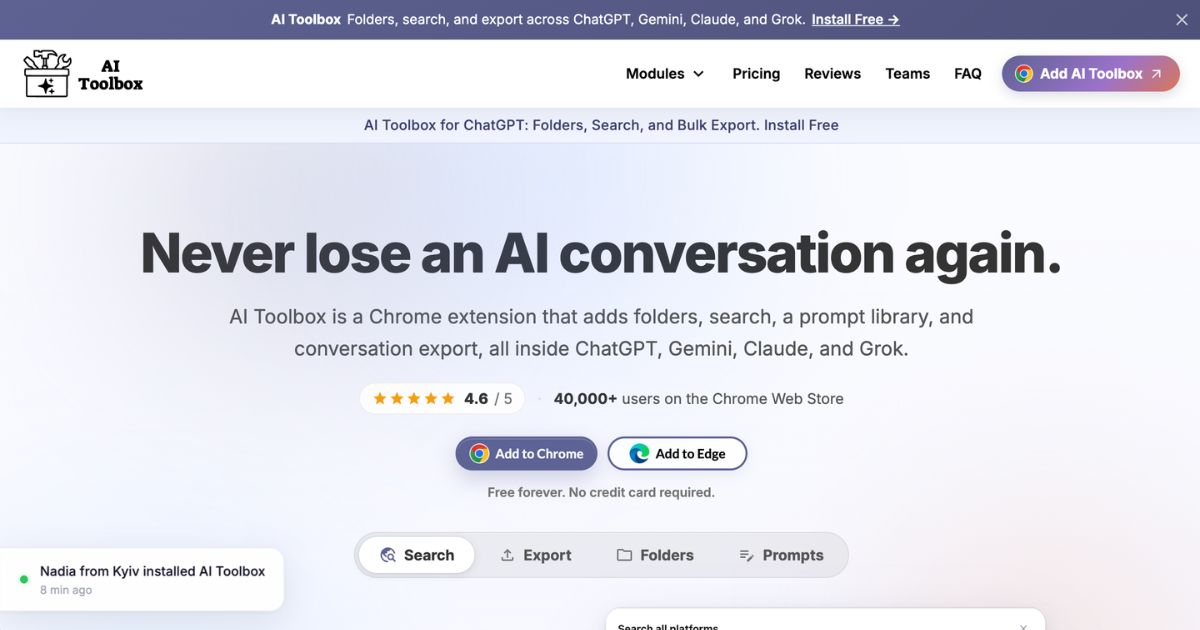
AI Toolbox is a browser extension designed to bring advanced chat organization and productivity features to multiple AI platforms—namely ChatGPT, Google Gemini, Anthropic Claude, and xAI Grok. It installs on Chromium-based browsers and integrates tools directly into the sidebars of these platforms. Its core mission is to help users manage, search, export, and reuse AI-powered conversations more efficiently. AI Toolbox currently supports every version of those AI platforms, and works across browser tabs without requiring separate apps or logging into different services.
Key Features
- Folder organization: Users can sort conversations into folders and subfolders, pin frequent chats, and maintain a tidy sidebar as chat history expands. AI Toolbox enables unlimited nested folders with Premium access, while its free plan limits usage to two folders.
- Full-text search: Instead of only searching titles, this feature allows keyword searches across all message content. Results appear grouped by the AI platform, with filters by sender role and date. Free users receive a limited number of results per query.
- Bulk actions & export: Users can select multiple conversations for deletion, archiving, or exporting in bulk. Export formats include plain text, Markdown, JSON, and PDF. Premium unlocks ZIP exports and expanded file format options.
- Prompt management & chaining: Save and reuse prompts via keyboard shortcuts. Build multi-step workflows by chaining prompts together, reducing repetitive effort. The free plan offers limited prompts and chains; Premium removes those caps.
- Message-level tools: Bookmark specific messages, use smart tags to auto-categorize conversations, reference past chats directly through prompts, and manage context with features like “context mentions.”
- Dashboard and analytics: View live stats—such as messages sent, time spent, streaks—and monitor rate limits for platforms. Additional writing analytics and image galleries are available under Premium.
- Privacy and storage: Conversations remain in the user’s browser; no message content ever stored permanently on servers. Only folders, prompts, and tags are synced, encrypted at rest. Smart tags and message indexing operate locally. The tool is GDPR compliant.
Who is it for?
Decision-makers, teams, and individual professionals who use more than one AI platform—or maintain extensive conversation histories—will benefit most. It’s well-suited for project managers, consultants, researchers, marketers, and legal or compliance professionals needing clear records and structure. Users who spend time revisiting past discussions, managing large prompt libraries, or exporting AI interactions for documentation or collaboration will find this especially valuable. Those using a single AI occasionally, or keeping conversations minimal, may find the free version sufficient without paying for advanced features.
Pricing
- Free Plan (forever): Includes up to two folders, two saved prompts, five search results per query, two bookmarks, and export to TXT. Available for ChatGPT, Gemini, Claude, and Grok.
- Premium Monthly: Priced at $9.99 per month. Unlocks unlimited folders, prompts, search, bulk operations (delete/archive/export), full-format exports (PDF, Markdown, JSON), and other enhancements like prompt chaining and audio features.
- Premium Lifetime: A one-time $99 payment per platform. Includes all Premium features with no recurring fees; future updates included.
- All Access Lifetime: $199 one-time. Covers all current platforms (ChatGPT, Gemini, Claude, Grok) and includes future platforms added. Provides same feature set as Premium with permanent access.
- Teams Plan: Available for organizational use starting at $12 per seat per month (billed annually), with a minimum of 2 seats. Offers shared prompt library, centralized billing and admin dashboard.
Final thoughts
AI Toolbox bridges significant gaps in how major AI chat platforms manage history, workflows, and prompt reuse. Its cross-platform support, combined with features like nested folders, full-text search, bulk exports, and prompt chaining, address pain points for professionals who rely on AI for diverse use cases. While the free plan provides useful basics, power users who work longitudinally or across platforms will likely need Premium features to unlock the full value. The privacy-first design adds confidence for those concerned about data security. For businesses weighing tools to improve their AI chat productivity, AI Toolbox offers a solid, continually updated option that balances functionality and usability without overwhelming users early on.
Visit the official website for more.
Keep up to date with our stories on LinkedIn, Twitter, Facebook and Instagram.