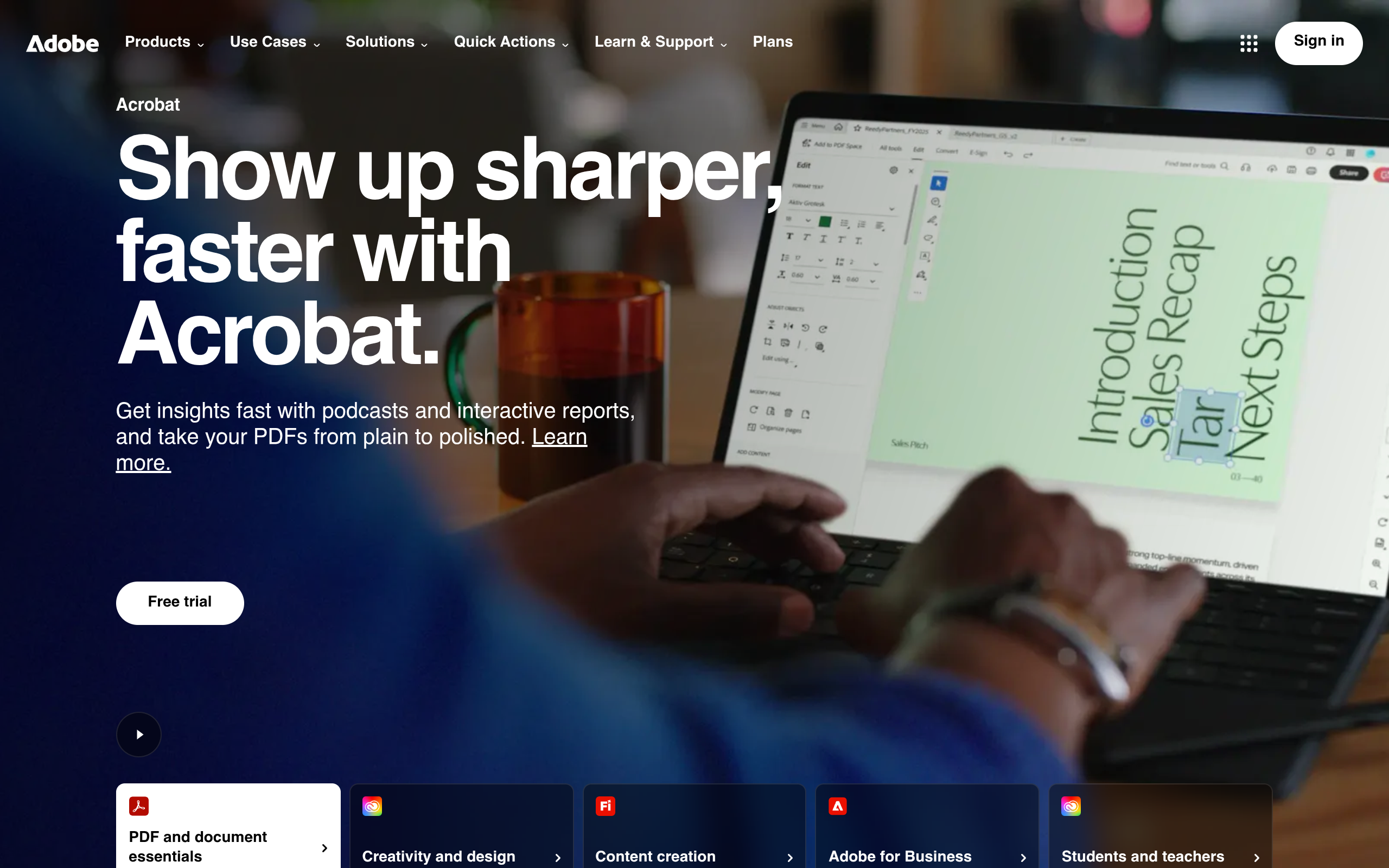
Adobe Productivity Agent in Acrobat is a generative-AI powered tool designed to turn PDF files and other documents into interactive, insight-driven workspaces. It enables professionals to ask real-time questions of documents, extract key findings, convert dense content into visual and audio summaries, and embed customized AI assistants in shared document collections. The tool aims to streamline document workflows, making it easier for business users to understand, create, and publish information efficiently.
Key Features
Conversational PDF editing: Users can use natural language to request edits—such as “shorten the executive summary,” “redact financial figures,” or “reorder sections”—without manually navigating complex menus. The AI Agent understands context and document structure.
Rich content generation: Acrobat’s Productivity Agent includes capabilities to transform documents into presentations, audio podcasts or overviews, visual reports, resumes, invoices, and social media-friendly content. These features help compress reading or creation time, enabling more digestible and versatile output.
PDF Spaces and Knowledge Base: PDF Spaces provide shared workspaces where teams can gather PDFs, links, and notes, add summaries, audio overviews, brand styling, and custom AI Assistants that represent tone and intent. The Knowledge Base feature allows cross-document search across corporate file repositories, including Microsoft SharePoint or Google Drive, helping teams ask questions of trusted sources and uncover structured insights from large collections.
Analyzer and structured extraction: Professionals in finance, legal, operations, and procurement can use “Analyzer” to extract structured data from multiple documents—e.g. clauses, metrics, or comparative analysis—turning unstructured content into actionable findings.
Responsible AI and citation tracking: All responses generated by the AI Agent are linked to source content via citations, helping users verify outputs. Adobe explicitly states that customer documents are not used to train its underlying AI models.
Pricing
Plan | Typical Monthly Fee (Annual Commitment) | Key Inclusions |
|---|---|---|
Acrobat Express | US$9.99/month | Document insights, sharing with PDF Spaces, content creation tools, audio/visual summaries via Productivity Agent. |
Acrobat Pro | US$19.99/month | Core PDF editing, conversion, protection, signature workflows. AI Assistant add-on available. |
Acrobat Studio | US$24.99/month | All Pro features plus full access to Productivity Agent-powered tools (PDF Spaces, branded content generation, audio/visual creation) and Adobe Express Premium included. |
Stand-alone AI Assistant Add-on | US$4.99/month | Users of Acrobat Pro or Reader can add AI Assistant for contract insights, summaries, and other AI capabilities. |
Monthly subscription rates without annual commitment are higher, with Studio costing about US$34.99/month on a month-to-month basis. All prices reflect U.S. individual plan listings; volume licensing or enterprise deals may have different terms.
Who is it for?
Business leaders and sales teams who need to consolidate materials—such as proposals, case studies, market research—and share them with clients in engaging, branded formats and track engagement.
Legal and compliance professionals reviewing contracts, policies, NDAs, benefit from tools that highlight key terms, compare versions, extract clauses, and summarize lengthy text.
Finance, procurement, and operations teams working with multiple documents daily—financial reports, vendor contracts—who need structured insights, comparisons, and summaries to inform decisions quickly.
Marketing and content teams producing collateral, presentations, social posts, or campaign material who value on-brand design templates, speed of generation of visuals, audio summaries, and seamless conversion between formats.
Educational institutions, students, and training programs leveraging “Student Spaces” for study-oriented summarization, flashcards, audio overviews, and resume review, as well as peer and group collaboration.
Enterprises needing centralized governance, compliance, and scalable document search across shared repositories will find value in the Knowledge Base and team-oriented PDF Spaces features.
Final thoughts
Adobe Productivity Agent in Acrobat represents a substantial evolution beyond traditional PDF editing, integrating AI to reduce friction in understanding, creating, and sharing information. Its strength lies in its versatility—enabling users to work across formats, extract insights, and present content in richer media with less manual effort. For organizations that deal with large volumes of documents, frequent stakeholder sharing, or content generation across channels, Acrobat Studio offers strong capability. However, businesses should carefully assess whether the AI-driven tools align with their workflow needs and whether they require the more complete Studio plan or can make do with Pro plus an AI assistant add-on. For routine PDF editing and occasional summarization, lower-tier plans may suffice; for content-heavy, collaborative, or knowledge-intensive work, the full productivity toolset can offer meaningful return on investment.
Visit the official website for more.
Keep up to date with our stories on LinkedIn, Twitter, Facebook and Instagram.